The Best Mac Budgeting App With No Subscription
If you want a Mac budgeting app with no subscription, the short answer is: they're rarer than they used to be, but they still exist - and a one-time purchase that runs natively on your machine is usually the better deal. Here's why the market drifted toward monthly fees, what actually matters in a one-time-purchase finance app, and where Quill fits.
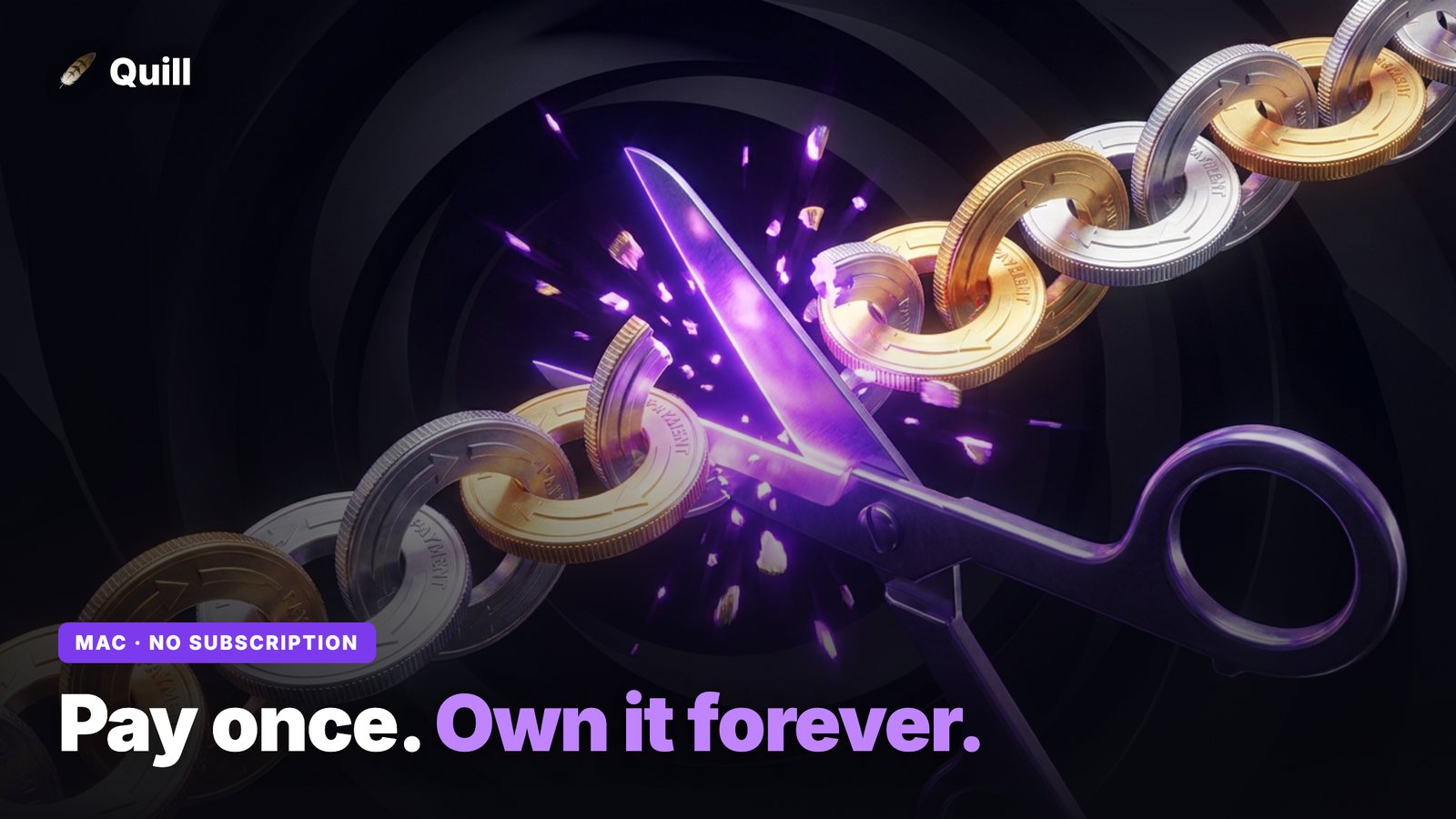
Search the Mac App Store for "budget" and you'll scroll past dozens of polished apps that all share one quiet detail: a recurring price. $8 a month here, $99 a year there, a "lifetime" tier that's really just three years of the annual plan. If you've ever felt like budgeting your money requires its own line item in the budget, you're not imagining it. But it wasn't always this way, and understanding why it changed tells you exactly what to look for if you want out.
Why almost every budgeting app now charges a subscription
The honest reason is infrastructure cost. Most modern budgeting apps work by connecting directly to your bank through an aggregator - usually Plaid or a similar service. That live connection is what lets the app refresh your balances automatically. But the aggregator charges the app maker an ongoing fee for every account you link, every month, for as long as you use it. The app can't sell you a one-time license and then keep paying that bill forever, so it passes the cost to you as a subscription.
On top of that, these apps store your transaction history in their cloud so it's available across devices. Cloud hosting, security, and support are real recurring costs too. So the subscription model isn't pure greed - it's the natural consequence of an architecture built around live bank links and cloud sync.
The catch is that this architecture also means handing over your online banking credentials to a third party and trusting that your full financial history lives on someone else's server indefinitely. You pay every month, and the data isn't really yours to keep.
What to look for in a one-time-purchase Mac finance app
If you'd rather pay once and own the tool, you're really looking for an app built on a different architecture - one that doesn't have a per-account bill to cover. Three things separate a good one-time-purchase option from a stripped-down toy:
- It runs natively on your Mac. A real desktop app that supports both Intel and Apple Silicon will feel fast and stay out of your browser. It should launch, open your statements, and work without a constant internet connection.
- It keeps your data private. The reason an app can skip the subscription is usually that it skips the bank connection too - it works from files you already have rather than a live cloud sync. That means your numbers stay on your computer instead of a server you don't control.
- It lets you export freely. A one-time purchase shouldn't trap your data. Look for clean CSV export and a direct path into accounting software like QuickBooks, so you can take your categorized records anywhere.
Notice that none of these requires a recurring fee. The moment an app drops the live bank link in favor of reading statements locally, the monthly cost it was covering simply disappears - and so does the justification for charging you forever.
Where Quill fits
Quill is a desktop budgeting and finance app for Mac (Intel and Apple Silicon) and Windows, sold as a one-time purchase. Instead of asking for your banking password, it parses the statement PDFs you can already download from your bank, entirely on your own device.
Once a statement is in, Quill does the work most people dread:
- Personal vs. Business split. Every transaction is sorted into Personal or Business - the single most useful thing if you're self-employed, freelance, or running a side business out of a mixed account.
- Auto-categorize with manual override. Quill tags each transaction with a sensible category automatically, and you keep final say - flip anything that landed in the wrong bucket with a click.
- Subscription finder. It surfaces the recurring charges hiding in your statements, which is a quietly satisfying feature for anyone trying to escape other subscriptions.
- Debt payoff planner. Map out how to clear balances without spinning up another web tool that wants your login.
- QuickBooks & CSV export. When you're done, push the categorized data into QuickBooks or export a clean CSV. Your data stays portable.
The trade-off is honest: because Quill works from statement PDFs rather than a live feed, you bring the statements to it rather than watching balances refresh in real time. For a lot of people - especially anyone who never wanted to hand a banking password to a third party in the first place - that's a feature, not a limitation.
One-time purchase vs. subscription: the real math
A subscription budgeting app at roughly $8-$13 a month runs $100-$150 a year, every year, for as long as you want to keep your own financial history accessible. A one-time-purchase app costs you once and keeps working. Over even two or three years the difference is stark, and you're not renting access to data that originated in your own bank account.
If you specifically want to compare against a popular subscription tool, our Quill vs. Monarch Money breakdown goes deeper on the live-sync-versus-local trade-off.
So which is the best?
"Best" depends on what you value. If you want hands-off, real-time balance refreshes and don't mind a monthly fee or a cloud-stored bank connection, a subscription app may suit you. But if your priorities are owning the tool, keeping your data on your own Mac, and never paying a recurring fee, a local-first, one-time-purchase app like Quill is the more honest fit - and it still does the heavy lifting: parsing, categorizing, splitting Personal from Business, and exporting clean records for tax season.
Frequently asked questions
Is there a Mac budgeting app with no subscription?
Yes. While most popular budgeting apps now charge a recurring monthly or annual fee, one-time-purchase options still exist. Quill is a desktop app for Mac (both Intel and Apple Silicon) and Windows that you buy once: it reads your bank statement PDFs locally and splits spending into Personal and Business, with no recurring fee.
Why do most budgeting apps require a subscription?
Most budgeting apps rely on a live bank connection through an aggregator like Plaid, and those connections cost the company a fee per account every month. To cover that ongoing cost - plus cloud hosting of your data - they charge you a subscription. An app that reads statement PDFs locally has no per-account cost to pass on, so it can be sold once.
What should I look for in a one-time-purchase Mac finance app?
Look for three things: it runs natively on your Mac (Intel and Apple Silicon), it keeps your data private by working offline instead of syncing to the cloud, and it lets you export your categorized data to CSV or QuickBooks so you're never locked in. Quill was built around all three.
Pay once. Budget on your own machine.
Quill is a one-time purchase for Mac and Windows - no subscription, no bank login, no cloud. Drop in your statement PDFs and get a clean Personal vs. Business breakdown that stays on your computer.
Get Quill