Is It Safe to Share Your Bank Statements with Finance Apps?
Short answer: connecting your bank through a service like Plaid is reasonably secure, but it is never private. The moment you link an account, a third party gets ongoing access to your transactions and stores a copy in the cloud. If you want the same insights without that exposure, you can skip the connection entirely and work from the statement PDFs you already have.
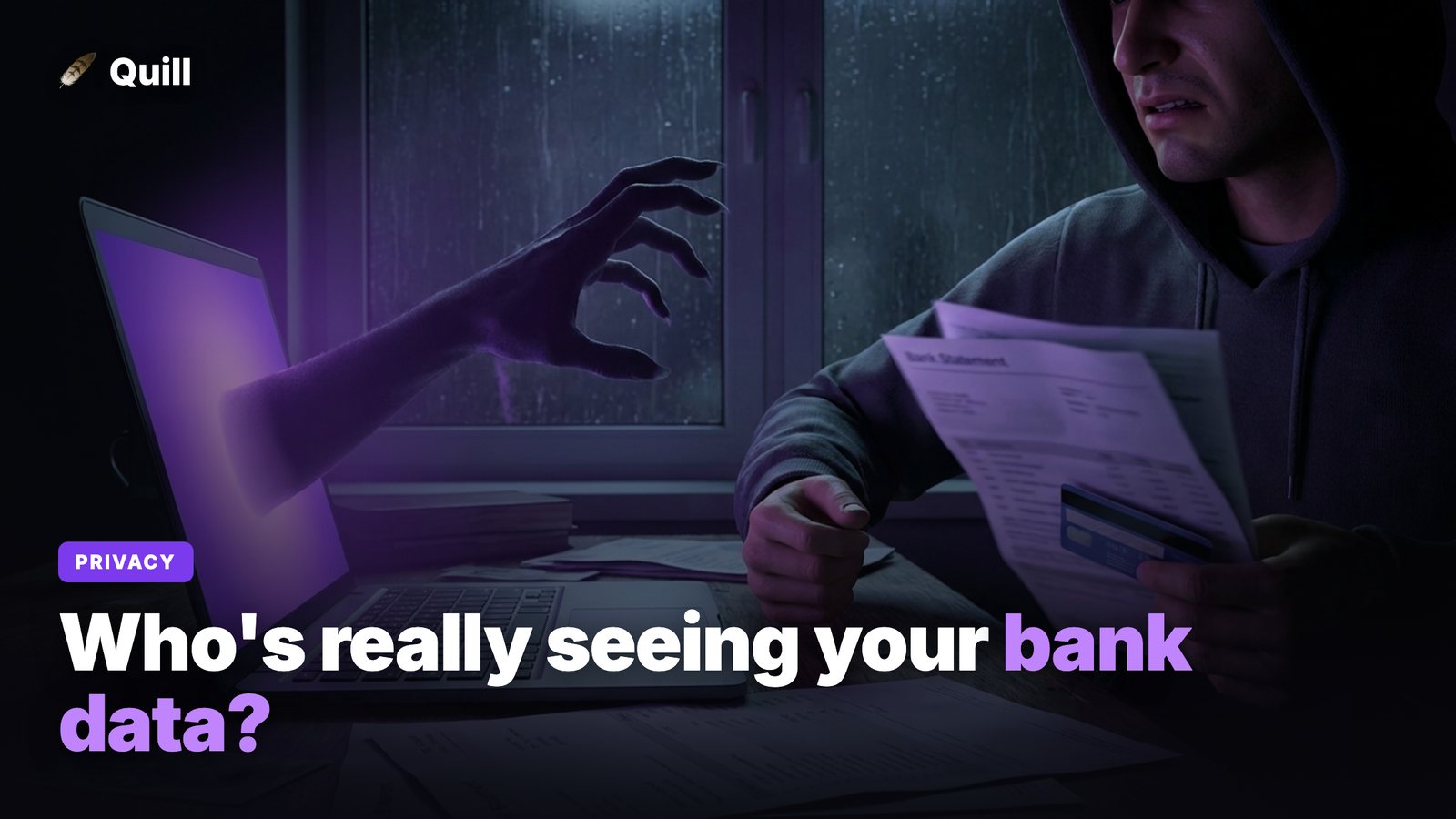
The question is worth taking seriously. Your bank statements are one of the most revealing documents you own - where you shop, who you pay, what you earn, what you owe, where you physically are. Before you hand that over to an app, it's worth understanding exactly what happens to it, where the real risks are, and what a safer setup actually looks like.
What actually happens when you connect via Plaid
Most budgeting and finance apps don't talk to your bank directly. They use an intermediary - Plaid is the dominant one - to broker the connection. Here's the chain of events when you click "Connect your bank":
- Credential or token handoff. You enter your online banking login (or authorize through your bank's portal). Plaid uses that to establish ongoing access to your account on the app's behalf - not a one-time read, but a standing connection that keeps pulling data.
- Data is copied to the cloud. Your transaction history, balances, and often account and routing numbers are retrieved and stored on Plaid's servers, then passed to the app you connected. Now your data lives in at least two places that aren't your bank and aren't your computer.
- The link stays open. Unless you actively revoke it, the connection keeps syncing. People connect an app, lose interest a month later, and leave a live data pipe open for years.
To be fair: Plaid uses strong encryption, is used by thousands of legitimate apps, and is far safer than pasting your password into some unknown website. The issue isn't sloppy security. The issue is structural - you've created copies of your most sensitive data and handed access to parties you'll never audit.
The real risk surface
"Is it encrypted?" is the wrong question. The right question is: how many places can my data now leak from? Every connection multiplies that surface.
- Breaches stack up. Your data now sits with the intermediary and the app. A breach at either one exposes you, and you have no control over either company's security practices. The more apps you connect, the more independent vaults hold your statements.
- Over-broad access is the norm. Many connections request more than the app strictly needs - full transaction history across every account, not just the one you wanted to budget with. You rarely get a granular choice.
- Data can be shared or sold. Some "free" finance apps make money from your data: aggregated spending insights, marketing partnerships, or analytics products. Free is rarely free when your transaction history is the product.
- Forgotten links never close. An abandoned connection is a standing liability. Most people couldn't list every app that still has access to their accounts.
The safer alternative: process statements locally
Here's the part most people don't realize: you don't need a live bank connection to get a categorized view of your spending. Your bank already gives you everything you need - the statement PDF.
You can download each statement and run it through a tool that reads the PDF on your own computer. Nothing gets uploaded, no login is shared, and no third party ever touches your accounts. That's the entire design principle behind Quill: drop in a statement PDF and it parses every transaction locally, then sorts them into Personal and Business with a category each - auto-categorized, with manual override so you keep final say on every line.
No bank login. No Plaid. No cloud copy. The PDF on your machine is the only place your data lives, and there's no open connection to forget about or revoke.
The tradeoff is honest: you download statements yourself instead of getting an automatic sync. For most people that's a few minutes a month - a small price for keeping your financial life entirely on your own machine. And you still get the useful parts: a Personal vs. Business split, a subscription finder that surfaces recurring charges you forgot about, a debt payoff planner, and exports to CSV or QuickBooks when it's time for taxes.
How to evaluate any finance app's privacy
Whatever tool you choose, run it through a quick checklist before you trust it with your statements:
- Does data leave my device? The single most important question. Local processing beats cloud storage for privacy every time. If the app needs a bank link or password to work at all, your data is going somewhere.
- Who is it shared with? Read the privacy policy for third-party sharing, analytics partners, and data sales. Vague language is a red flag.
- How long is it kept, and can I delete it? Look for clear retention limits and a real delete option - not just account deactivation.
- Is access scoped to the minimum? The app should ask for the least it needs, not blanket access to every account.
- What's the business model? A one-time purchase aligns the app's incentives with yours. A free app monetizing your transaction history does not.
If you're going through this exercise because you want clean numbers at tax time, the same local-PDF approach also solves a related headache - see our guide on how to separate business and personal expenses without linking your bank.
The bottom line
Connecting your bank through Plaid is acceptably secure for what it is, but "secure" and "private" aren't the same thing. Every connection creates copies of your most sensitive data and hands standing access to companies you can't audit. If you're privacy-conscious, the cleanest answer is to never share the login in the first place - work from statement PDFs on your own computer, and let the data stay where it started.
Frequently asked questions
Is Plaid safe to use with finance apps?
Plaid uses strong encryption and is widely trusted, but it still works by routing your account access through a third party that stores a copy of your transaction data in the cloud. The connection is reasonably secure, yet it widens your risk surface: a breach at Plaid, at the app you connected, or a forgotten link left active all become ways your data can be exposed. It's safer than typing your password into a random website, but it's not the same as keeping your data entirely on your own computer.
Can I use a budgeting app without connecting my bank account?
Yes. You can download your statements as PDFs and use a tool that reads them on your own computer. Quill parses each statement PDF locally and sorts transactions into Personal and Business, so there's no bank login, no Plaid connection, and no copy of your data sitting in the cloud.
How do I tell if a finance app respects my privacy?
Read the privacy policy for whether data leaves your device, who it's shared with, and how long it's kept. Prefer apps that process data locally, ask for the least access possible, and charge a one-time price instead of monetizing your transaction history. If an app requires your online banking password or a Plaid link to function, your data is leaving your machine.
Get the insights without sharing your bank
Drop your statement PDFs into Quill for a clean Personal vs. Business breakdown - auto-categorized, 100% on your own machine. One-time purchase, no bank login, no cloud.
Get Quill