A Private Wallet by BudgetBakers Alternative (No Bank Login, One-Time Purchase)
Wallet by BudgetBakers is a capable multi-currency budgeting app, but it requires a bank connection and a subscription to unlock its best features. If you want spending clarity without handing your credentials to a third-party service, here is how Quill compares.
What Wallet by BudgetBakers gets right
BudgetBakers has built one of the more polished mobile budgeting apps available. Wallet supports bank connections across more than 40 countries, which makes it genuinely useful for people who travel or hold accounts in multiple currencies. The interface is clean and the automatic transaction import means you spend almost no time on data entry once everything is connected.
For users who want a visual, calendar-based view of their spending and a way to plan budgets month by month, Wallet works well. Its multi-currency support is a real differentiator: converting and comparing balances across accounts in different countries is something very few personal finance tools handle gracefully.
Why people look for an alternative
The free plan is limited
Wallet's free tier restricts the number of accounts you can connect and caps historical data. To unlock multiple bank connections and long-term history, you need a paid subscription. For a tool you use every day to manage your finances, that is an ongoing cost that never ends. The price is not steep by subscription standards, but it adds up over several years and never becomes a permanent purchase you own outright.
Your financial data lives on their servers
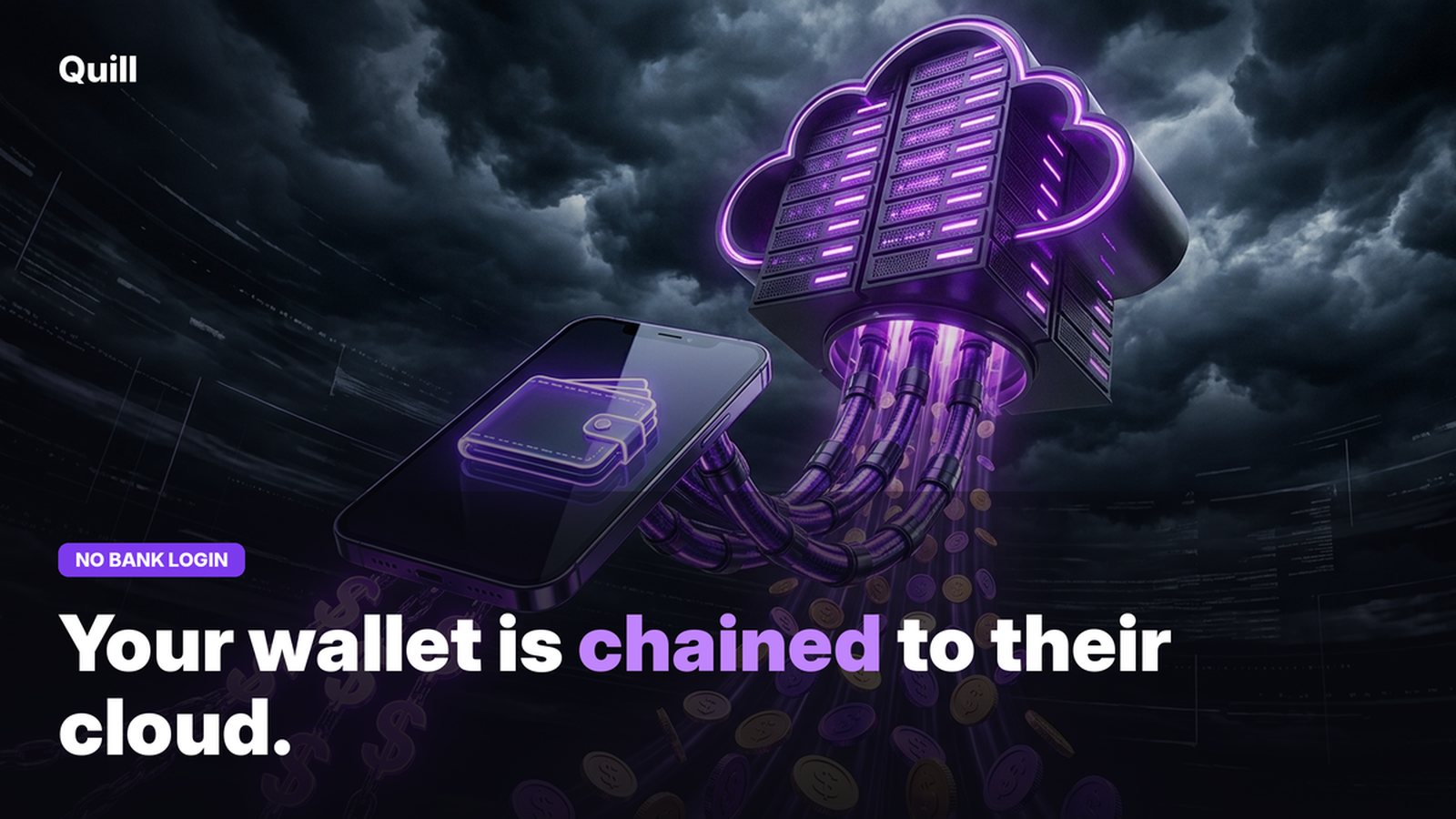
Connecting your bank account to Wallet means your transaction data is synced to BudgetBakers' cloud infrastructure. You are trusting a third-party company with a complete picture of your financial life: every purchase, every balance, every recurring payment. That data will persist on their servers for as long as your account is active, and the privacy policy governs what happens to it if the company is ever acquired or restructured.
For most people this feels fine until it doesn't. A data breach, a policy change, or simply deciding you want your information off someone else's server are all events you cannot easily recover from once the sync is live.
Mobile-first means no real desktop app
Wallet is designed for phones. There is a web interface, but it is a companion to the mobile experience rather than a full-featured desktop application. If you prefer doing serious financial review on a large screen with a keyboard, or you want to import several months of statements at once for tax purposes, the mobile-first design creates friction.
Bank sync reliability
Any tool that relies on live bank connections faces the same challenge: banks change their APIs, credentials expire, and connections occasionally break without warning. When your connection drops, your transaction history stops updating silently, and you may not notice until you look for recent data that is not there. Managing broken connections adds maintenance overhead that a PDF-based approach does not have.
What Quill does differently
Quill is a desktop application for Mac and Windows. It reads your bank statement PDFs directly on your own machine: there is no server involved, no bank connection to establish, and no subscription to maintain. You download your statements from your bank's website as you normally would for recordkeeping, drop them into Quill, and every transaction is parsed and categorized automatically.
Because it runs entirely locally, your financial data never leaves your computer. There is no cloud account to breach, no policy to change, and no ongoing cost after the initial purchase.
How the two approaches compare
| Feature | Wallet by BudgetBakers | Quill |
|---|---|---|
| Data storage | Cloud (BudgetBakers servers) | Local only |
| Import method | Bank connection / Plaid-style sync | Bank statement PDF |
| Platforms | iOS, Android, Web | Mac and Windows |
| Cost model | Free tier + paid subscription | One-time purchase |
| Multi-currency | Yes | Reads whatever currency the PDF contains |
| Business tracking | Category tags only | Personal vs. Business split |
| Tax export | CSV | CSV and QuickBooks |
| Bank login required | Yes | No |
Where Quill adds specific value
- Personal vs. Business split. Quill marks every transaction as Personal or Business alongside its spending category. For anyone with a side business or freelance income, this is the step that makes your data ready for a tax preparer without extra work.
- QuickBooks export. The categorized data exports in a QuickBooks-compatible format. This is what most accountants and bookkeepers want at year-end, and Wallet does not produce it.
- Debt payoff planner. Quill includes a debt payoff view that shows all your balances, interest costs, and projected payoff timelines based on your actual statement data.
- No maintenance. Because there is no live bank connection, nothing breaks when your bank changes its API. You import a PDF, and that data stays accurate forever.
Where Wallet by BudgetBakers has an edge
- Real-time balances. Wallet shows your current account balance as it changes. Quill works from statement PDFs, so it reflects the last imported statement, not a live balance.
- Multi-currency native support. If you actively manage accounts in multiple currencies, Wallet's conversion and tracking features are purpose-built for that use case.
- Mobile access. Wallet's native iOS and Android apps let you check spending from anywhere. Quill is a desktop app and does not have a mobile companion.
- Automatic sync. Once connected, transactions appear without any action on your part. Quill requires you to download and import a PDF, which is a deliberate step rather than a background sync.
Who should choose each
Wallet by BudgetBakers is a strong choice for people who manage accounts across multiple countries and currencies, who want automatic transaction sync without manual steps, and who are comfortable with cloud-based data storage. Its mobile-first design fits people who check their finances from a phone rather than a desktop.
Quill is the better choice if you want a complete financial picture without giving any third-party service access to your bank accounts. It is especially strong for self-employed and freelance users who need the Personal vs. Business split and a QuickBooks export for taxes. Because it works from statement PDFs, it is also reliable for people whose banks are not supported by Plaid-style connection services.
Frequently asked questions
Is there a Wallet by BudgetBakers alternative that does not require a subscription?
Yes. Quill is a one-time purchase desktop app for Mac and Windows. You pay once and own it. It reads your bank statement PDFs directly on your machine with no monthly fee and no bank connection required.
What is the difference between Wallet by BudgetBakers and Quill?
Wallet by BudgetBakers is a mobile-first cloud budgeting app that connects to bank accounts and stores data on BudgetBakers' servers. Quill is a desktop app that reads bank statement PDFs locally on your own Mac or Windows machine. Both auto-categorize transactions, but Quill stores nothing in the cloud and requires no bank login.
Can I track my spending without connecting my bank account?
Yes. Download your bank statement PDFs from your bank's website and import them into Quill. Every transaction is categorized automatically on your own machine, with no bank login and no data leaving your computer.
Local-first. No subscription. Starts at the PDF.
Quill reads your bank statement PDFs on your own Mac or Windows machine - no bank connection, no cloud sync, no subscription. Get a complete spending breakdown from day one. One-time purchase.
Get Quill