Why Offline, Local-First Finance Apps Are Safer Than Cloud Ones
Almost every popular budgeting app runs in the cloud: you link your bank, and a vendor pulls a copy of every transaction onto their servers. It's convenient - and it concentrates the most sensitive record you own in a place you don't control. A local-first tool flips that. Here's the honest case for offline finance software, tradeoffs included.
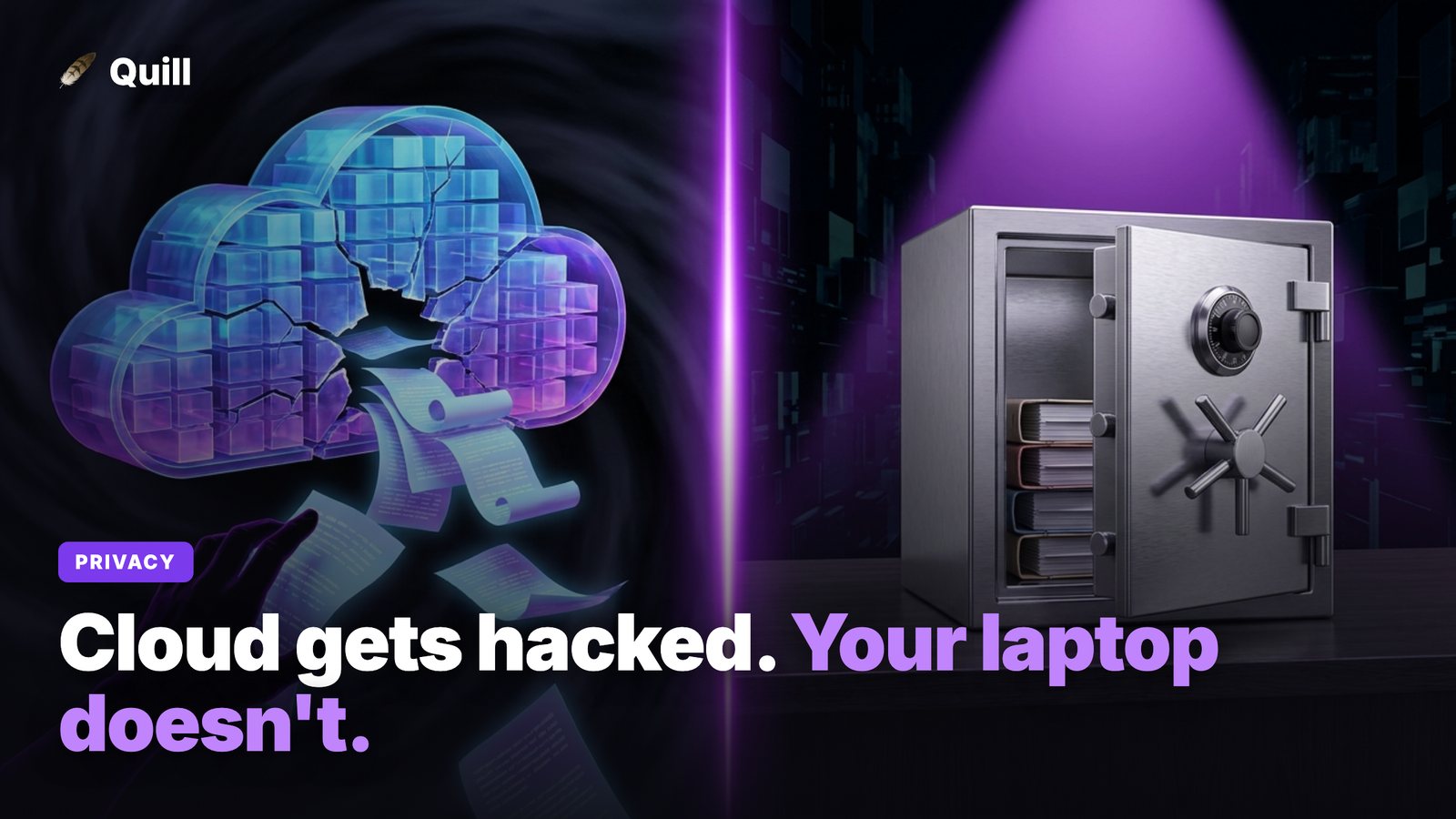
Your transaction history is a uniquely revealing dataset. It shows where you live, where you work, what you buy, who you pay, when you travel, and what you're worried about. When a finance app asks you to connect your bank, you're not just sharing a balance - you're handing a continuous, machine-readable feed of your life to a third party. The question worth asking isn't "do I trust this app today?" It's "what is the blast radius if this goes wrong?"
The attack surface of a cloud finance app
Cloud finance apps are convenient because they centralize. But centralization is also exactly what makes them risky. There are three distinct exposures worth separating.
1. The central breach target
A cloud app stores transaction data for all of its users in one place. That aggregation is a magnet for attackers: one successful breach can expose millions of people's financial records at once. The honeypot effect is real - the larger and more valuable the database, the more determined the people trying to get into it. Your individual diligence doesn't protect you when the weak point is the vendor's infrastructure, not your password.
2. Third-party access to your accounts
To pull your transactions automatically, most cloud apps use an aggregator like Plaid that sits between the app and your bank. That means your data - and sometimes credentials or long-lived access tokens - flows through additional companies beyond the one whose app you actually chose. Each link in that chain is another party that can be breached, change its policies, or share data with partners in ways you never directly agreed to.
3. Account and subscription lock-in
Cloud tools are typically subscriptions. Your data lives in their account, accessible only while you keep paying, and your financial history can become a hostage to the billing relationship. When the service shuts down or pivots - as Mint did - you scramble to export before the lights go out. Lock-in isn't a security breach, but it is a loss of control over data that should be yours.
What "local-first" actually means
"Local-first" describes software that does its work on your own machine and keeps your data there by default, instead of treating a vendor's cloud as the source of truth. The app still runs as a normal desktop program - it just doesn't phone home with your transactions.
In practice, a local-first finance tool reads your data from files you already have, processes it on your computer's own processor, and writes the results to a database on your disk. There's no account to create, no server holding your records, and nothing to breach centrally because there's no central copy. If your machine is offline, the app still works.
This is how Quill is built: you drop in a bank statement PDF, it parses every transaction locally, sorts them into Personal and Business with a category each, and stores everything in a local file on your computer. There's no bank login and no cloud account.
Why a PDF-based local tool is a strong privacy choice
The PDF statement is the quiet hero of this approach. Every bank already lets you download statements as PDFs, and that file contains everything you need to reconstruct your spending - without ever granting an app live access to your account.
Working from a PDF means there's no bank connection to establish, so there's nothing for a third-party aggregator to intermediate and no stored credentials to leak. You decide which statements to import and when. And because the parsing happens on your machine, the transaction data never has to travel to a server you don't own. The features built on top - auto-categorization with manual override, a subscription finder that flags recurring charges, a debt payoff planner, and QuickBooks or CSV export - all operate on that local data. You can hand clean numbers to your accountant without ever having exposed your bank to a third party.
The honest tradeoffs
Local-first isn't free of compromise, and it's worth being clear-eyed about what you give up.
- No automatic sync. A cloud app pulls new transactions the moment they post. An offline tool waits for you to download a fresh statement PDF and import it. That's a deliberate, periodic action rather than a passive feed - better for privacy, slightly more effort for you.
- You own your backups. When your data lives only on your machine, keeping it safe from a dead hard drive is your responsibility. A simple backup of the local file solves this, but the cloud's "we keep a copy for you" convenience is gone.
- Device security matters more. The risk doesn't vanish - it moves. Instead of trusting a vendor's servers, you're trusting your own laptop's disk encryption and login. The upside is that this is a surface you can actually control and that isn't shared with millions of strangers.
For someone comparing local versus cloud purely on privacy, that's a favorable trade: you swap a shared, high-value, always-on target for a private one you manage yourself. For someone who values hands-off real-time tracking above all, a cloud app may still feel worth the exposure. Both choices are legitimate - they just optimize for different things.
The bottom line
Cloud finance apps concentrate sensitive data, route it through third parties, and tie it to a subscription. A local-first, PDF-based tool keeps the same useful features - categorization, a Personal/Business split, subscription detection, debt planning, exports - while keeping your data on your own machine. If your priority is privacy and control, offline is the stronger default. If you want to see the same idea applied to replacing a linked-account app, read our guide to a Mint alternative with no bank login.
Frequently asked questions
Are offline finance apps actually safer than cloud ones?
For most threats, yes. An offline, local-first app keeps your transaction data on your own computer, so there's no central server holding millions of users' records for an attacker to breach, and no bank login stored in the cloud. The main risk shifts to your own device security - which you control directly.
What does "local-first" mean for a finance app?
Local-first means the app does its work on your machine and stores your data there, rather than uploading everything to a vendor's cloud. Quill, for example, parses your bank statement PDFs locally, categorizes transactions, and keeps the results in a local database - no bank connection and no account required.
What do I give up by using an offline finance app instead of a cloud one?
The main tradeoff is automatic sync. A cloud app pulls new transactions in real time; an offline tool needs you to download and import a new statement PDF when you want fresh data. You also handle your own backups. In exchange you get privacy, no subscription lock-in, and no third-party access to your accounts.
Keep your financial data on your own machine
Quill turns your bank statement PDFs into a categorized Personal vs. Business dashboard stored on your own computer, no bank login. One-time purchase, no subscription.
Get Quill