Is It Safe to Upload Bank Statements to an App?
It can be safe, but it depends on where the file goes. Uploading a statement to a website puts a copy on someone else's server. Importing it into a desktop app reads the file on your own computer. The second keeps your statements in your hands. Ask every tool which one it does.
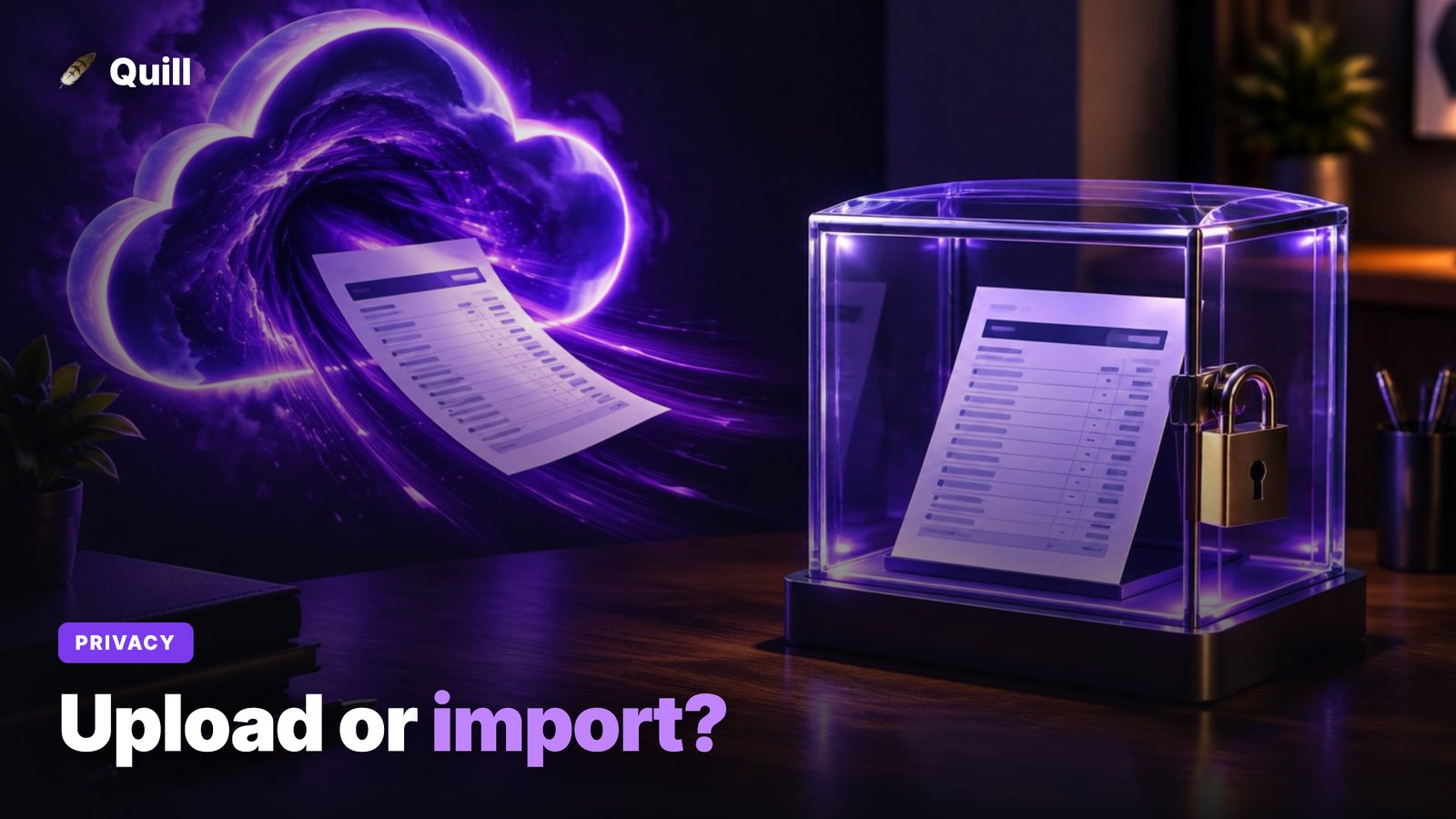
You downloaded a PDF statement from your bank. Now an app wants it. Before you drag it in, it helps to know one thing: is the file being uploaded, or imported? The two words sound alike, and they mean very different things for your privacy. This guide explains the difference, what can go wrong, and the questions that tell you whether a tool is safe. It is part of our look at the most private personal finance app.
What is in a bank statement, and why does it matter?
A statement holds more than a balance. It lists your full name, your address, your account number (often partly masked), your opening and closing balances, and every payment you made in the month. Read together, those lines show where you live, where you shop, who you pay, what you earn and what you owe.
That is the kind of file identity thieves, data brokers and ad networks want. It is also the kind of file you should hand over on purpose, not by accident.
Upload vs import: what is the real difference?
Upload means the file travels to a server owned by someone else. Import means an app on your own computer opens the file from a folder. The word on the button does not tell you which one happens, so the table below shows how to tell.
| Upload (website or cloud app) | Import (desktop app) | |
|---|---|---|
| Where the file goes | A server you do not control | Stays on your computer |
| Who holds a copy | The company, and maybe its vendors | Only you |
| What a breach exposes | Everyone's files on that server | Nothing on our side, because there is no central store |
| Deleting it | You trust the company to do it | You delete the file yourself |
| Works without internet | No | Yes, for reading statements |
Neither is automatically evil. A well run service with a clear deletion policy can be a fair choice for a one time job. But for money data you will use again and again, the import model removes a whole class of risk.
What can go wrong when you upload a statement?
Four things are worth knowing about.
- The copy outlives the job. You upload once to convert a file. The site may keep it for days, months or forever, depending on a policy you probably did not read.
- Breaches. Any server that stores files can be breached. If your file is on it, so is your data.
- Third parties. Many online tools pass files to cloud storage, analytics or AI vendors. Your statement may touch more companies than the one you chose.
- Reuse. Some free tools pay for themselves by learning from your data or selling insights. Read the policy for words like "improve our services" and "partners".
Be extra careful with free, anonymous, ad heavy converters. A real company name, a privacy policy and a stated deletion window are the minimum. Several guides on the web, including pdf.net's overview of sharing bank statements, give the same baseline: check encryption, deletion and whether the tool sells data.
What are the 8 questions to ask any tool?
Ask these before you hand over a statement. If the answer is vague, treat that as a no.
- Does the file leave my computer? A plain yes or no should be on the website.
- Do I need an account? An account means the company stores something about you.
- Does it ask for my online banking login? A statement tool should never need it. A login gives ongoing access, which is a bigger risk than one file. Our post on connecting your bank to a budgeting app covers that.
- How long is the file kept, and where? Look for a number of hours or days, not "as long as necessary".
- Who else sees it? Ask about cloud hosts, AI providers and analytics.
- Is my data used to train anything or sold? The answer should be a clear no. See do budgeting apps sell your data for how to check.
- Can I delete everything myself? You should be able to, without emailing support.
- What happens if the company shuts down or is breached? If the honest answer is "your data is on our servers", you know the risk.
Is it safe to upload statements to ChatGPT or another chatbot?
A chatbot is an upload by definition: the file goes to the provider's cloud. Whether that is acceptable depends on that provider's data settings, and you have to read them yourself. We cover the details in is it safe to upload bank statements to ChatGPT. The short version: a blank chat also has no proof that your numbers add up, so you start over each time.
What is the safest way to get statements into an app?
The safest path has three parts. First, download the statement yourself from your bank's site. Second, keep it in a folder on your own computer. Third, use an app that reads that folder locally. If your bank offers a CSV export, that is the cleanest file of all, and nobody else needs to see it.
The same logic is why local first finance apps are safer than cloud ones: there is no central pile of customer money data to breach.
How does Quill handle your statements?
Quill is a desktop app for Mac and Windows. You download your PDF or CSV statements from your bank and drop them in a folder. Quill reads them on your computer. Here is what that means in practice:
- Your statement files are never uploaded anywhere, even if you use the AI assistant.
- There is no Quill account and no bank login, so there is nothing for us to store.
- Your transactions live in a file on your own computer, not on our servers.
- Each statement is checked against the totals your bank printed on it, to the cent. One that does not add up is flagged, never silently counted.
We want to be straight about the limits. Quill checks its licence with our payment provider about once a day and looks for app updates at launch. Neither carries any transaction, balance or statement data. The optional AI assistant is a cloud service: if you use it, a summary of your finances goes to the AI provider you chose. Switch AI off and none of your financial data leaves your computer. Quill also does not encrypt its own database file. It relies on your computer's disk encryption (FileVault on Mac, BitLocker on Windows) and shows you whether that is switched on. A stolen or infected computer is still a risk, so keep yours updated and locked.
For a view of what leaves your machine in more detail, see budgeting app without Plaid.
Quick checklist before you drop in a statement
- Use your bank's CSV export when you can.
- Prefer a tool that opens the file on your computer.
- Skip anything that asks for your banking password for a one time job.
- Read the deletion policy for any site that keeps a copy.
- Turn on disk encryption on your computer.
Frequently asked questions
Is it safe to upload bank statements online?
It is only as safe as the company that receives the file. A bank statement holds your name, account numbers, balances and every merchant you pay. If a site keeps a copy, that copy can be breached, subpoenaed or reused. Prefer tools that read the file on your own computer.
What is the difference between uploading and importing a statement?
Uploading sends the file over the internet to a server you do not control. Importing means an app on your computer opens the file from a folder you chose. With an import, the statement file stays on your computer.
Are free bank statement converters safe?
Some are fine and some are not. Free, anonymous, ad heavy sites deserve extra caution. Look for a real company, a privacy policy that states how long files are kept, and a promise that your data is not sold. Better still, use your bank's own CSV export or a tool that works on your computer.
Does Quill upload my bank statements?
No. Quill reads your PDF or CSV statements on your computer, and the files are never uploaded anywhere, even with the AI assistant on. Quill has no account and no server that holds your money data.
What should I do if I already uploaded a statement to a site?
Check the site's privacy policy for a delete option and use it. Ask for deletion in writing if there is no button. Watch your accounts for odd activity, and consider asking your bank whether a new account number is worth it.
Import your statements. Do not upload them.
Quill reads your PDF statements on your computer, proves each one adds up to the cent, and never needs a bank login or an account. One-time purchase, no subscription.
Get Quill